
Step 1: Choosing Readability Over Complexity
When searching for an ambigram tattoo generator, most users prioritize cool factor over practicality. Big mistake. A poorly rendered design will look like abstract art after a year of fading.
For tattoos, we strongly recommend sticking to Rotational (180°) Ambigrams or simple Reflectional (Mirror) Ambigrams. Complex typefaces drastically increase the risk of illegibility.
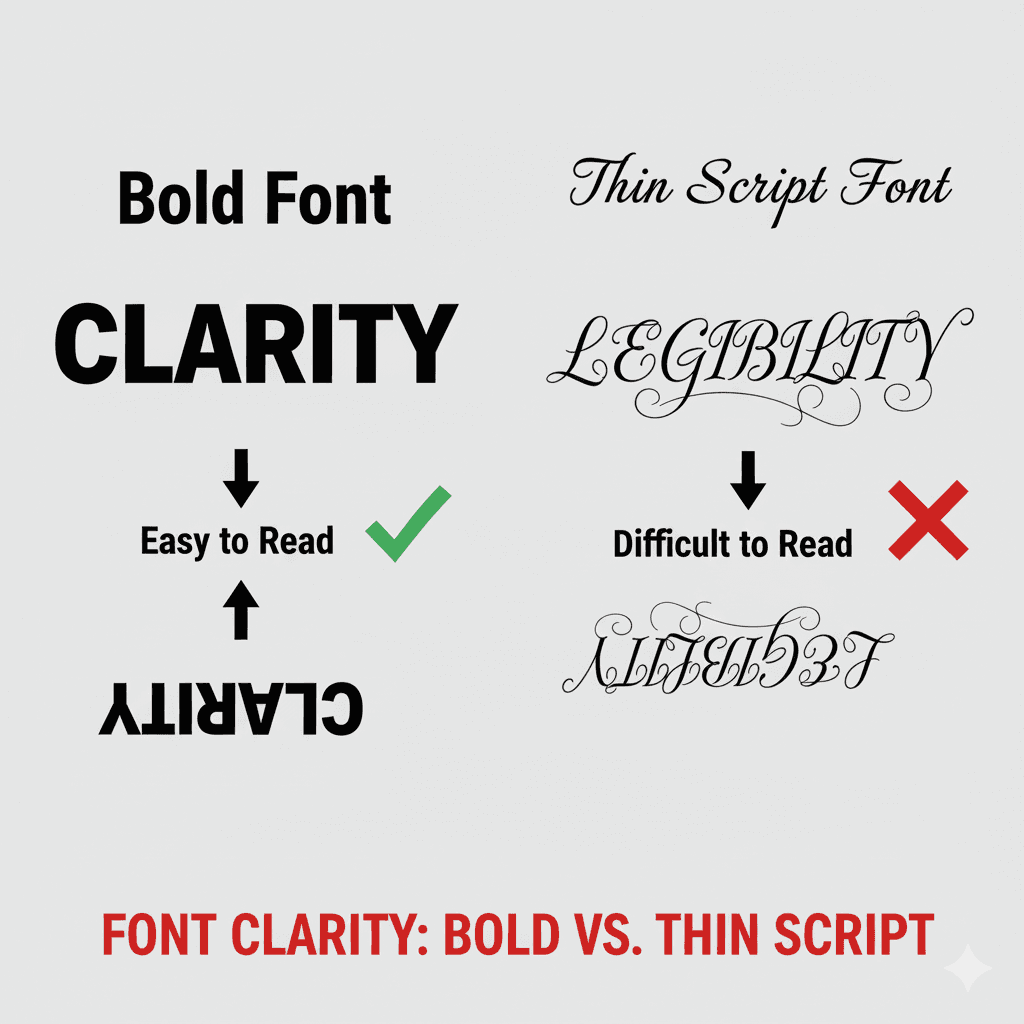
Font Choice: Your Biggest Ally or Worst Enemy
The font selected in the generator is critical. Avoid overly stylized or thin script fonts initially. You need thick, clear letterforms that can withstand tattooing ink spread.
Generating Your Tattoo Concept
Use the tool with your chosen text. If you are aiming for an ambigram generator tattoo, ensure the text length is short (3-5 letters max) for the best results.
// Conceptual Checkpoint for Tattoo Design
const TattooSettings = {
    Symmetry: "Rotational 180", // Recommended default for clarity
    FontWeight: "Bold/Serif",    // Essential for ink retention
    TextLength: "< 6 Characters" // Best practice for legibility
};
Step 2: Translating Digital Design to Ink
This is where most online generator users fail. The output file is *not* the final tattoo stencil.
Never assume the software will intelligently arrange your two words spatially. Always print your final design at the intended size and take it to your artist for a final review on stencil paper.
Step 3: Finalizing and Downloading
Once you have a design you love and have verified its legibility, download the high-resolution file. Our generator ensures the output is clean for immediate use.
Understanding the theory is step one.
To put this into practice, head over to the main generator interface and start experimenting immediately.
Go to Homepage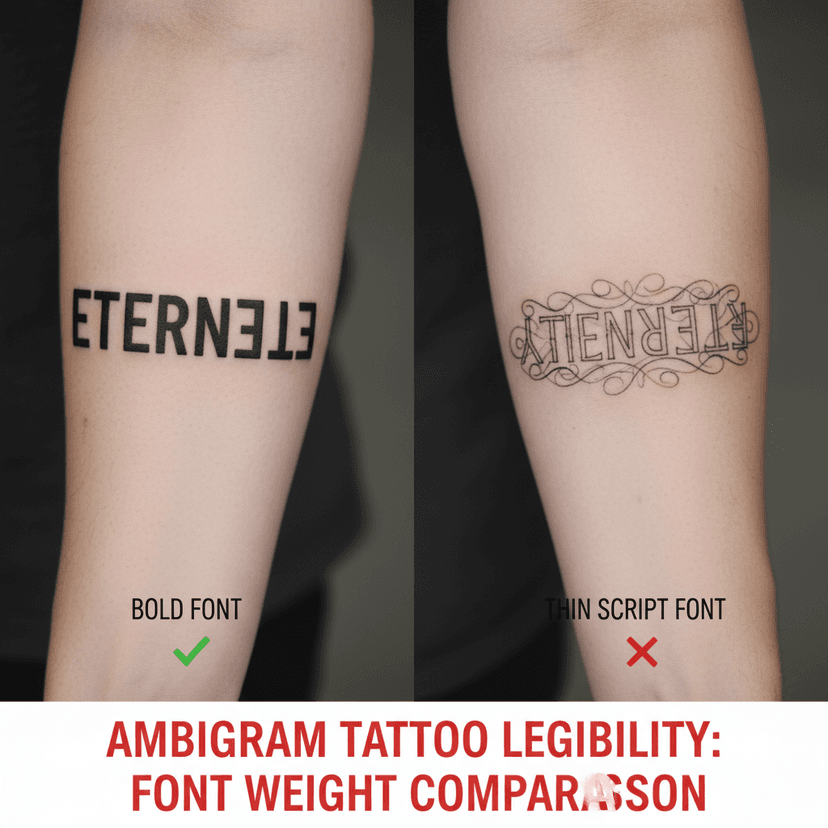

Conclusion: Your Ink, Perfected
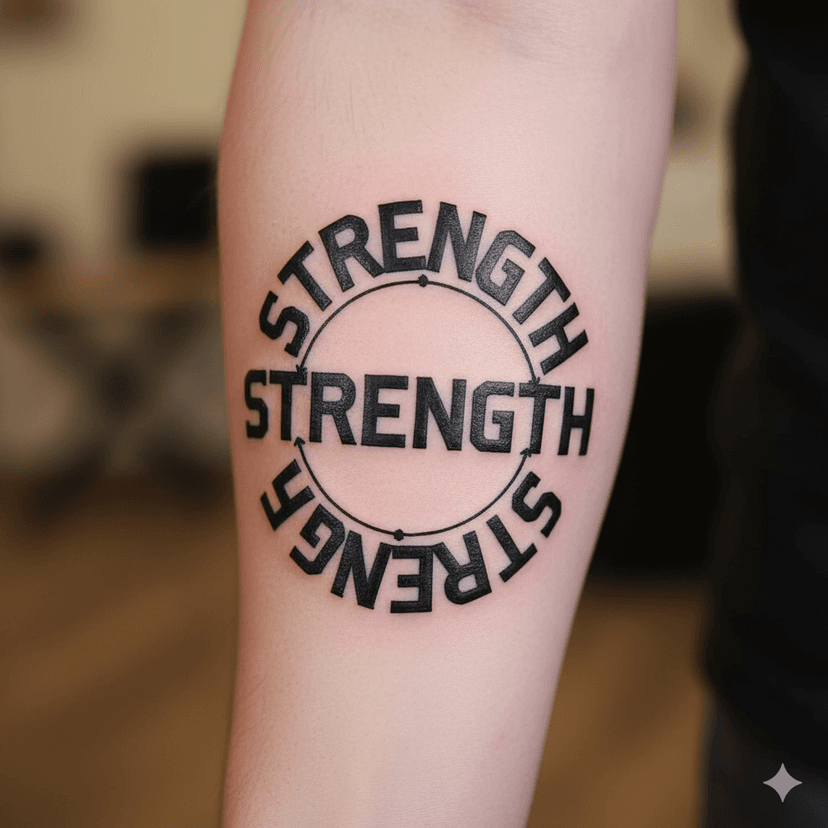
To successfully create ambigram tattoo generator art, you must prioritize font clarity and design simplicity. This disciplined approach ensures your art remains permanent and beautiful.