This ai tattoo generator from text turns your idea into a clean stencil direction in seconds.
Resolution
Result Preview
Ready to generate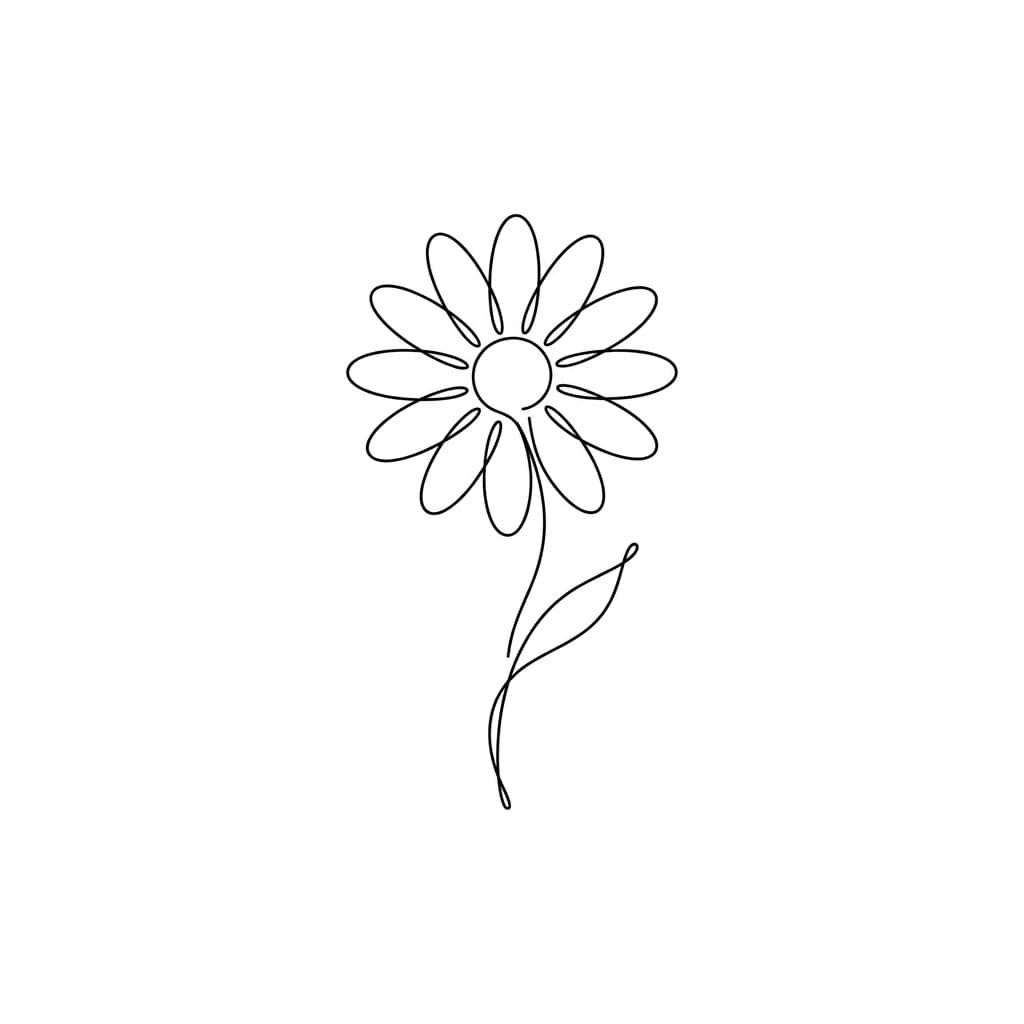
Fine Line
Clean and delicate outlines
Generate to view your final tattoo output.
Style
Choose visual direction before generating
Explore visual styles for your ai tattoo generator workflow, from fine line to bold blackwork and watercolor-inspired concepts.
Choose from fine line, blackwork, geometric, watercolor, realism, and traditional directions in one ai tattoo generator from text workflow. Each style card is paired with image references so users can compare look, contrast, and line behavior before generating.
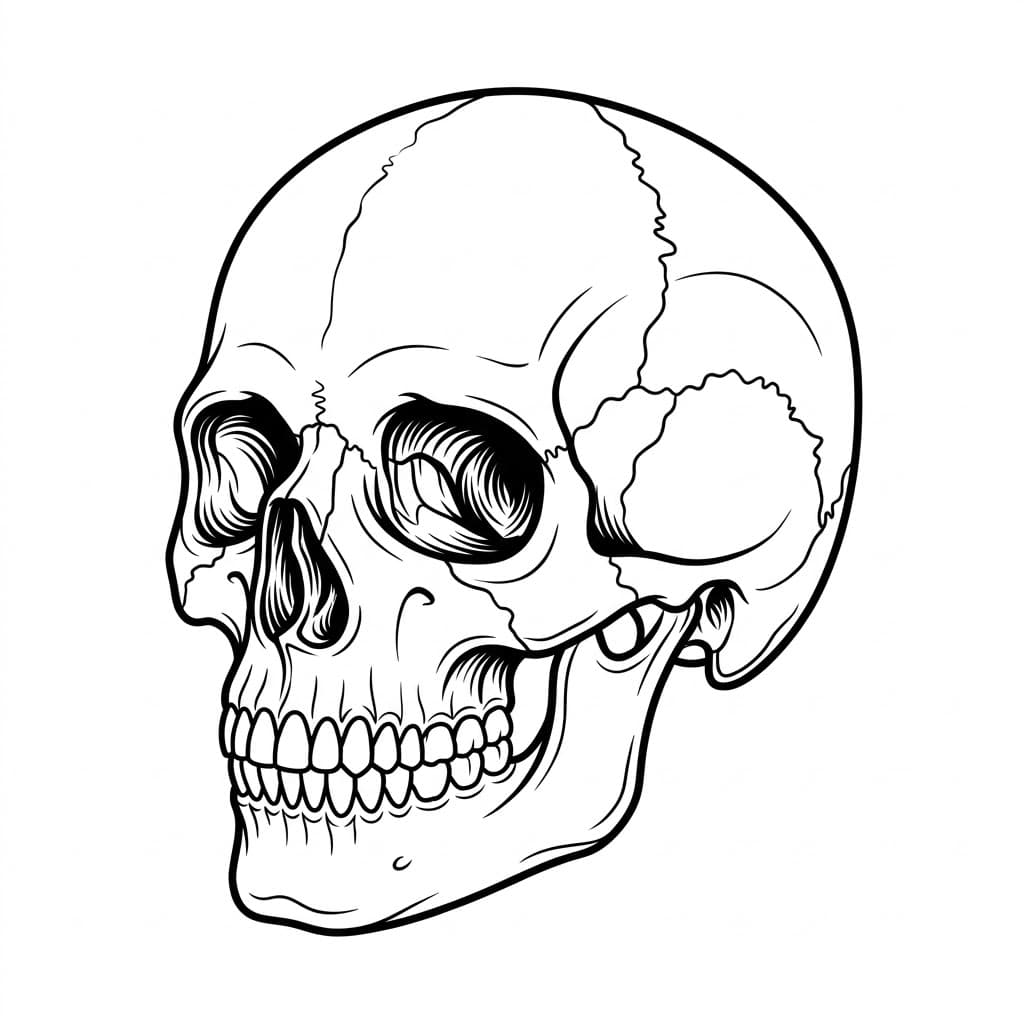
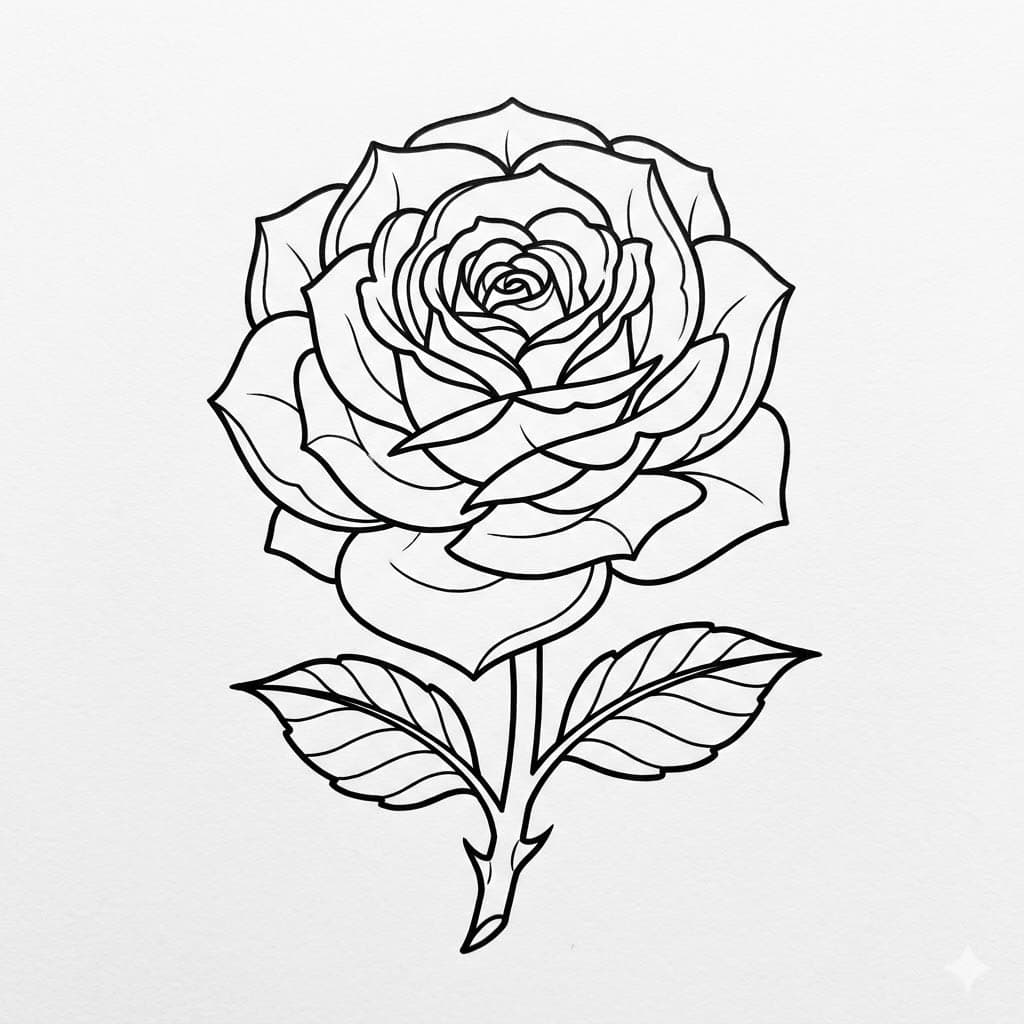
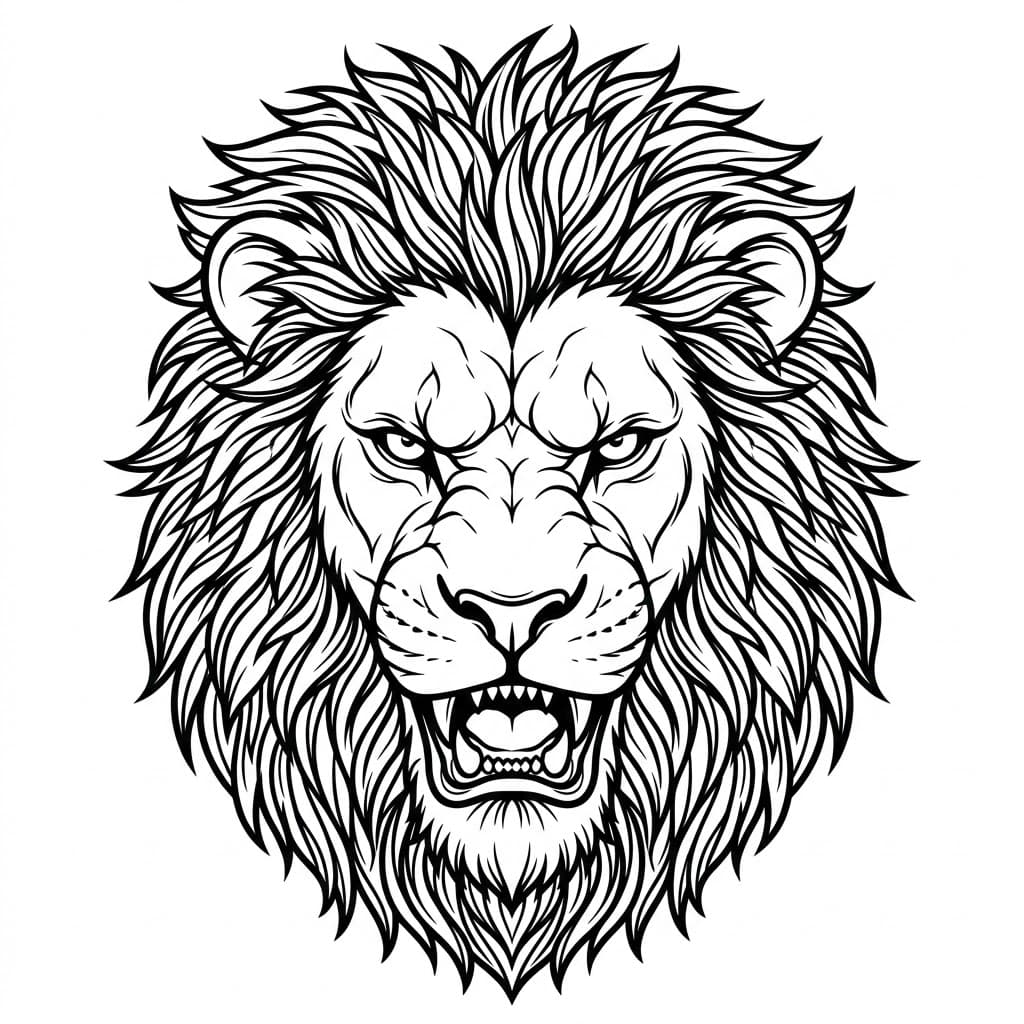
The page combines a large prompt box, direct style selection, and live preview so users can evaluate concepts quickly. This structure mirrors how real tattoo decisions happen: concept first, style second, then artist-ready direction.
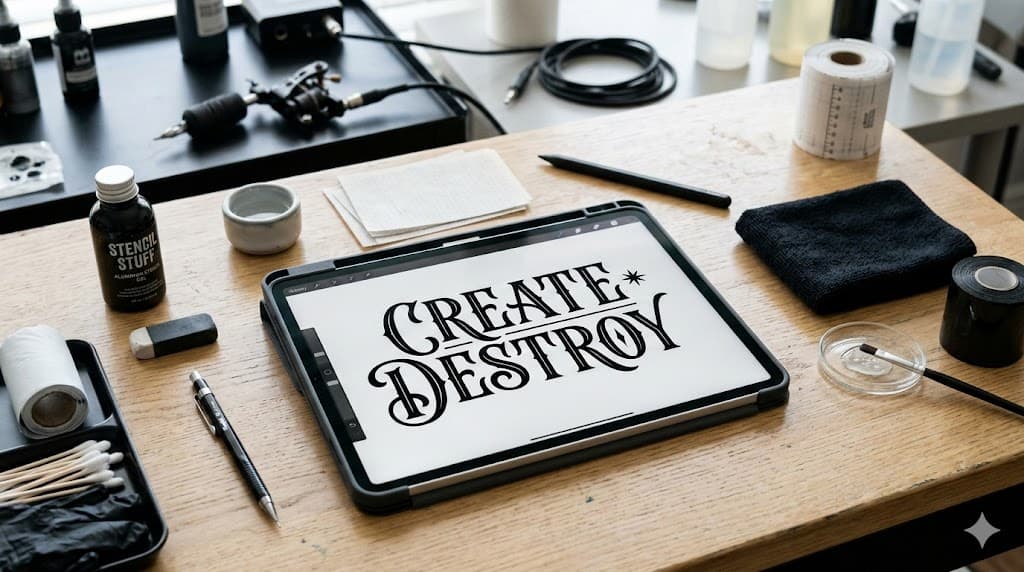
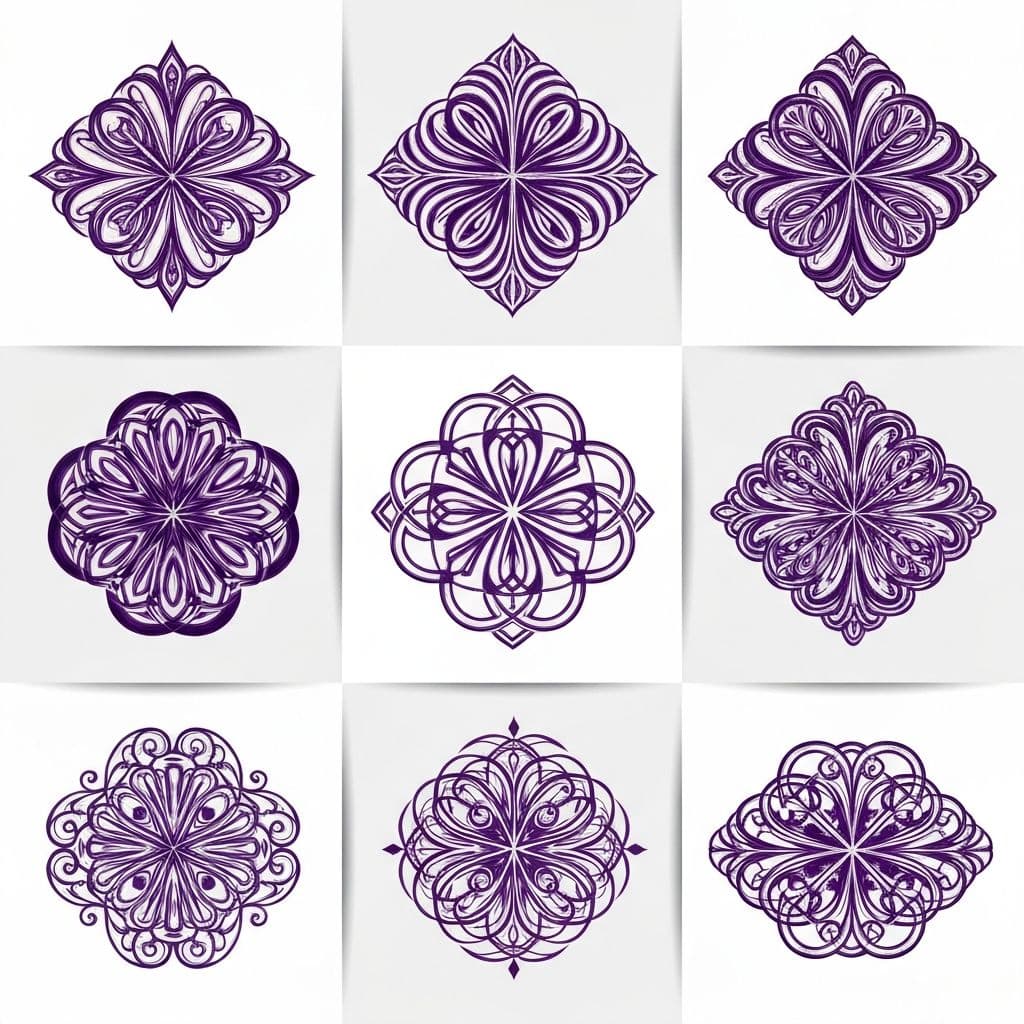

Use these references to improve prompt clarity, compare composition, and find a visual direction faster across ai tattoo generator, tattoo ai generator free, and ai tattoo generator from text.
AI tattoo generator from text: forearm stencil
tattoo ai generator free: line-art flower concept
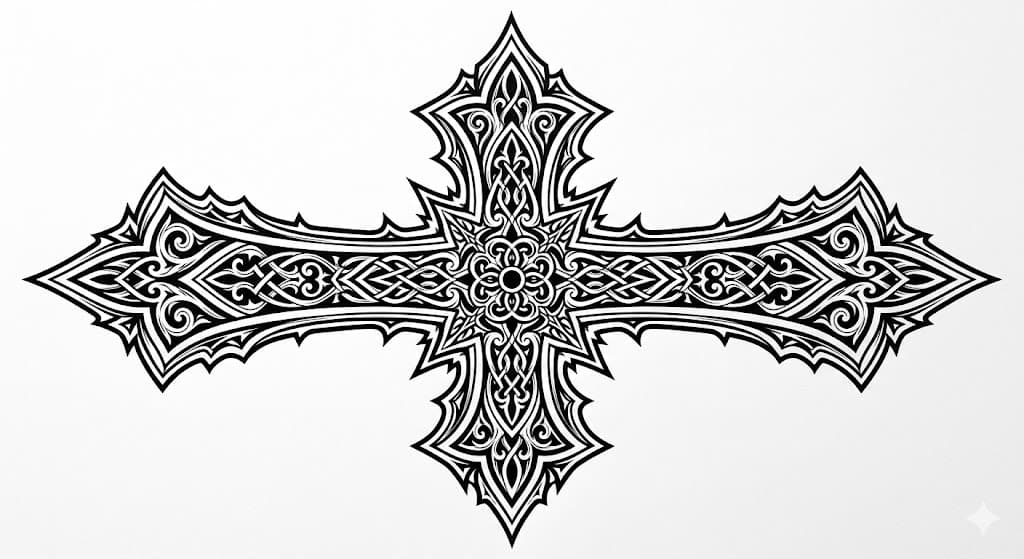
ai tattoo cover up generator blackwork example
ai name tattoo generator calligraphy direction
realistic lion tattoo blueprint for artist handoff
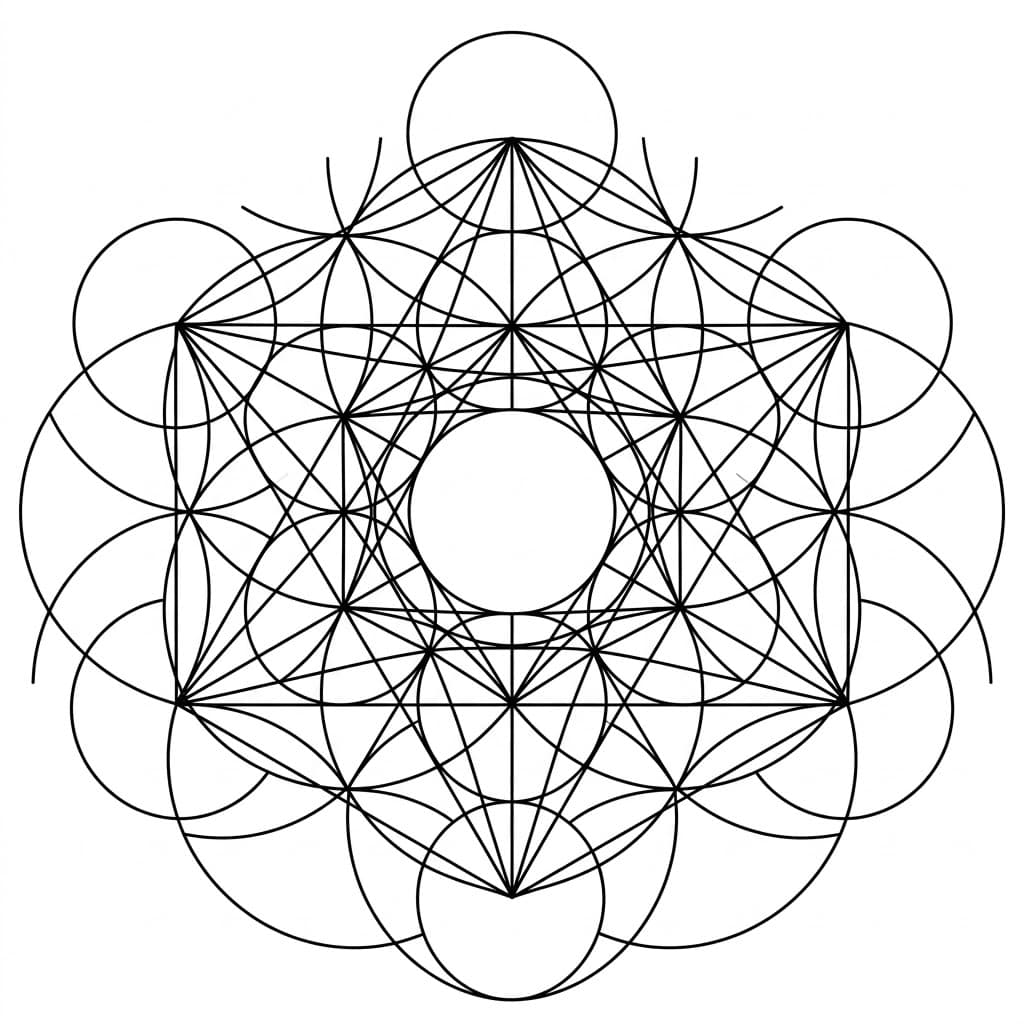
minimal geometric tattoo layout from prompt
traditional rose tattoo draft and line weight
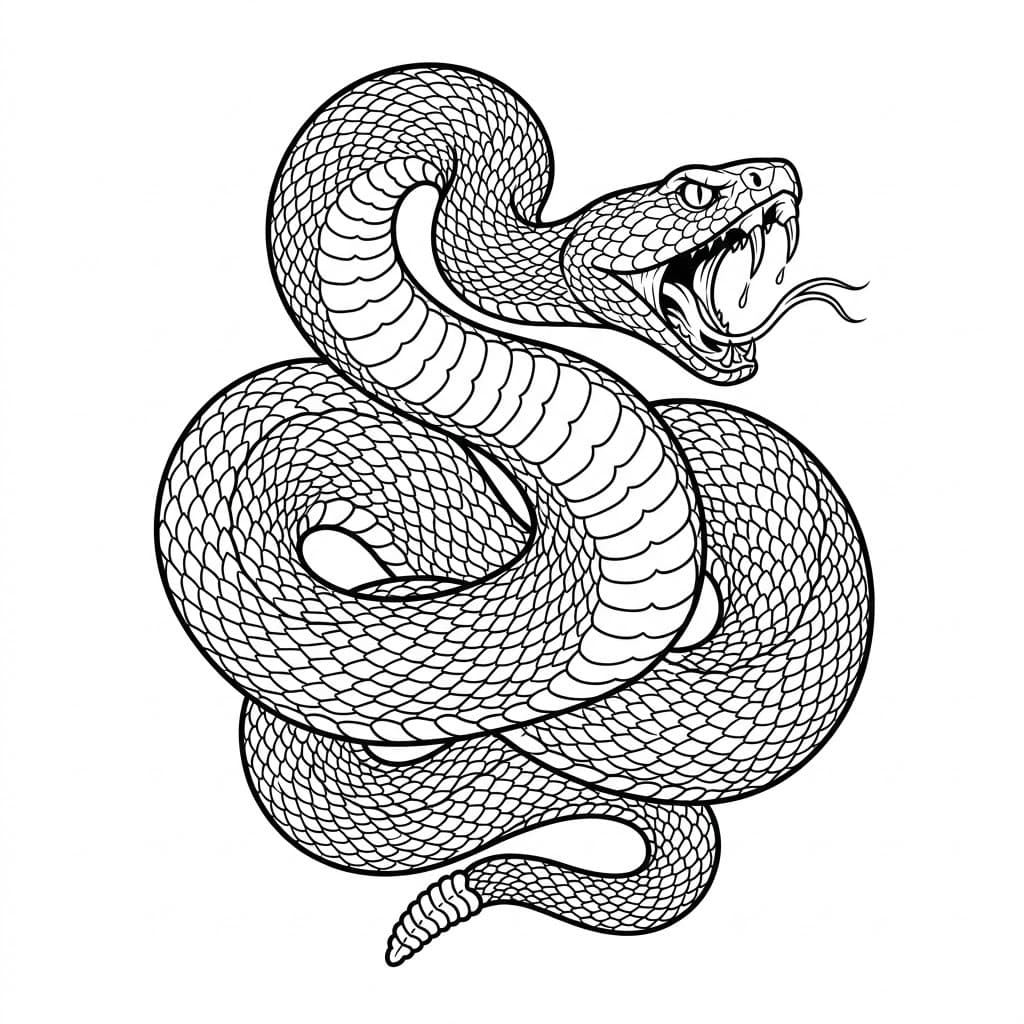
japanese-style snake tattoo flow placement
Templates and layouts for couple names and emotional typography.
High-density composition prompts for old-ink cover-up use cases.
Bridge tattoo concepts to printable objects and 3D-ready files.
Upgrade
Start free, then unlock pro quality when you are ready.
$0
Great for trying ideas and testing prompts.
$15/month
or $72/year
Checkout channel: Stripe
An ai tattoo generator converts your text prompt into a tattoo concept image. You choose style, placement and size, then generate instantly.
You can try 2 guest generations daily. After that, please log in and continue with credits.
Yes. Choose Blackwork style and describe your existing tattoo area in the prompt for stronger cover-up concepts.
HD downloads are part of Pro. Guest mode includes standard previews for concept validation.
Yes. The core flow is text-first. You can describe the subject, style, body placement, and mood, then generate a tattoo concept directly.
Use this sequence: subject + style + placement + detail level. Example: 'Minimal lotus forearm tattoo, fine line, black ink, stencil-ready edges.'
This page is tuned for tattoo intent, so outputs focus more on line readability, contrast, and stencil suitability rather than generic art style rendering.
Yes. It is designed for pre-consultation planning. You can prepare references and discuss revisions with your tattoo artist more efficiently.
Yes. Name, couple, and lettering prompts are supported. You can also open dedicated pages for more specific name-tattoo templates.
Yes. Use higher-contrast styles like blackwork and describe the old tattoo location for better cover-up direction.
Treat them as strong concept drafts. Final line optimization, skin fit, and safety decisions should always be confirmed by a professional artist.
Yes. Mobile UX keeps preview and input in a compact flow, and style selection uses a bottom sheet for faster single-hand use.
